The plan
One product. One locked amount.
A hair bundle, a food pack, clothing, or any item a vendor lists. You pay daily, weekly, or monthly. The price you join at does not change.
- A target set to the item’s price
- Daily, weekly, or monthly payments
- Collect only when the plan reaches 100%
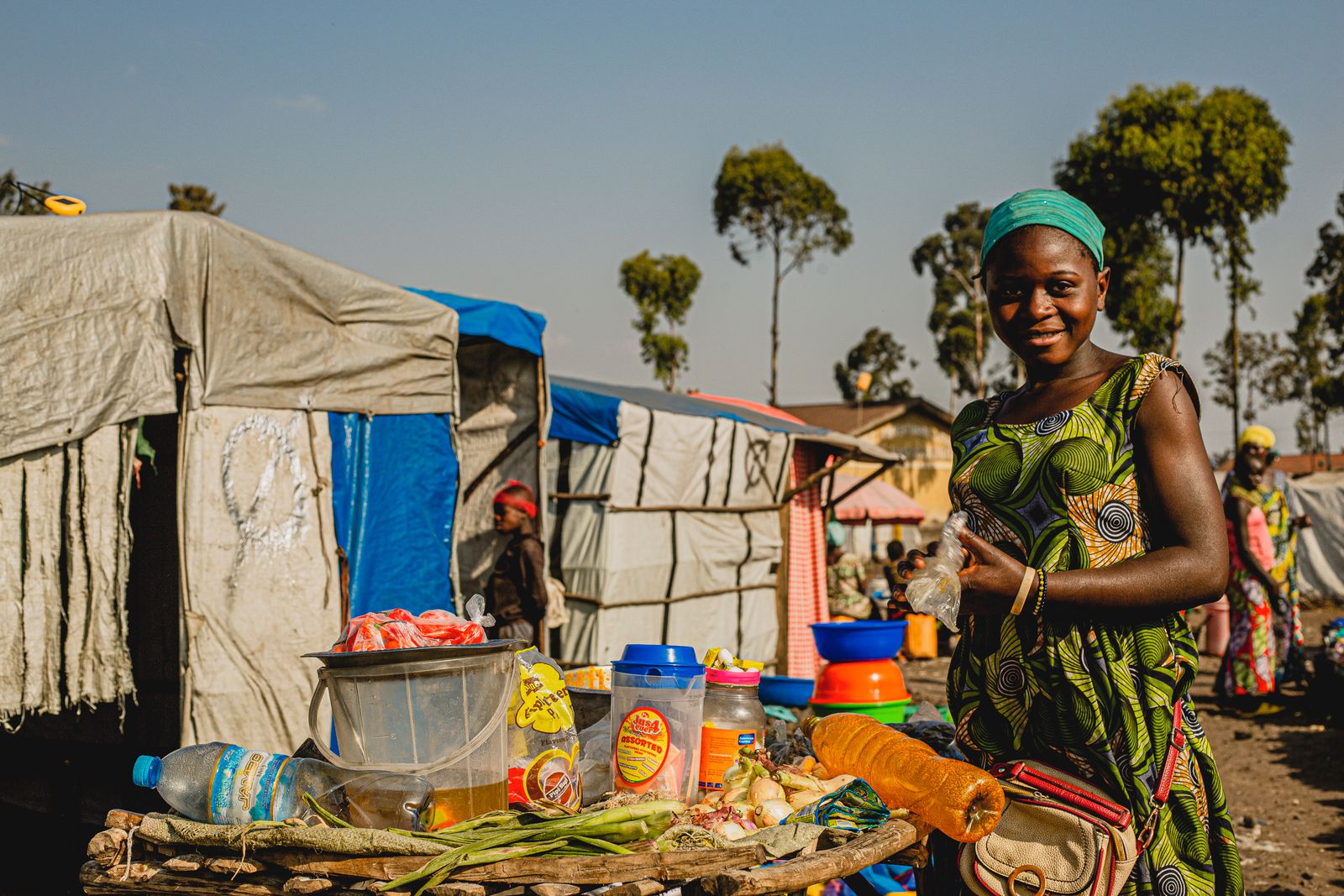
Christmas food basket
Example · 50,000 FCFA
Active
Paid so far
12,500 FCFA
25% · Getting closer. Daily · 1,000 FCFA.
VaultThis item only
-
01
Choose the item
Open a vendor’s shop, pick the product, and start a plan. The price is locked at the amount you see then.
-
02
Choose how often you pay
Daily, weekly, or monthly. Jangi shows when the plan should finish. The first payment, by MTN MoMo or Orange Money, opens a vault for that item.
-
03
Keep the plan moving
A reminder arrives on the schedule you chose. Pay the usual amount, pay ahead, or add more when you have it. The bar updates with each payment.
-
04
Collect at 100%
The plan is complete and you receive a claim code. Pick the item up, or send a delivery address. Confirm when it is in your hands.
-
Hold
Not the vendor’s cash yet
What you pay stays in the plan until the target is reached. It is there if the item is not ready.
-
Lock
The price does not move
If the shop price changes after you join, your target stays the amount you agreed.
-
Stop
Leaving is explained first
Before you start, you see what happens if you stop halfway. Any fee, or shop credit, is written there.
The life of a plan
You can always see where it stands.
-
01
Waiting
You have chosen the item. The plan starts when the first payment lands.
-
02
Saving
Payments are coming in. The target is not finished yet.
-
03
Paused
If several payments in a row are missed, the plan can pause instead of closing at once.
-
04
Complete
The target is paid. Your claim code is ready, and the item can be released.
-
05
Collected
You have the item. You confirm, and the plan closes.
-
06
Stopped
You leave on the terms that were shown when you joined.
Selling on Jangi? See how a vendor lists an item.